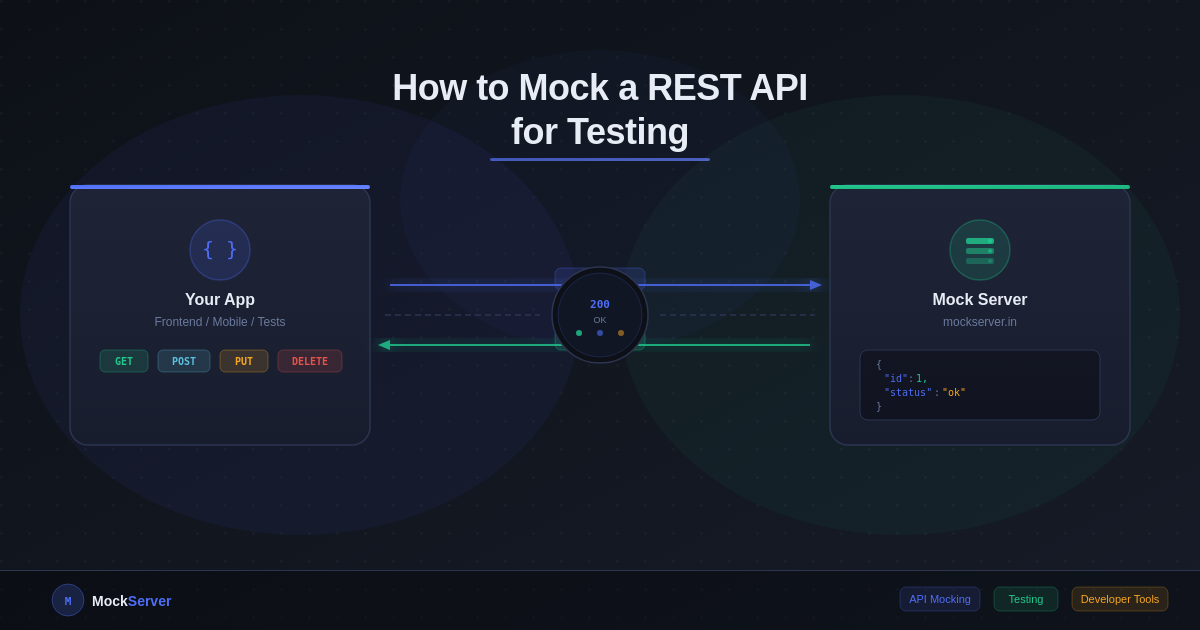
When you're building an application that talks to external APIs, waiting for the real API to be ready — or paying for every test call — slows everything down. API mocking solves this. You define the response you expect, and your app hits a fake endpoint that returns exactly that. No network latency, no rate limits, no flaky third-party outages breaking your CI pipeline.
This guide walks through what REST API mocking is, why you need it, and how to set one up in minutes.
What Is a Mock API?
A mock API is a simulated HTTP endpoint that returns predefined responses. It behaves exactly like a real API from your application's perspective — same URL structure, same HTTP methods, same JSON response body — but it's entirely under your control.
Unlike a stub (which is hardcoded in your test code) or a fake (a simplified in-memory implementation), a mock API runs as an actual HTTP server. This means any client — your frontend, mobile app, Postman, or automated test suite — can hit it without code changes.
Why Mock REST APIs?
There are several concrete situations where mocking pays off immediately:
- Frontend development before the backend is ready. Your UI team shouldn't be blocked waiting for the API team to finish. Define the contract, create a mock, and both teams work in parallel.
- Testing error scenarios that are hard to reproduce. How does your app behave when the API returns a
503? Or a429 Too Many Requests? With a real API you might never see these. With a mock, you just set the status code. - Avoiding third-party costs during development. Stripe, Twilio, SendGrid — every test call costs money or burns through rate limits. Mock the endpoints during development and only hit the real API in production.
- Stable CI pipelines. External APIs go down. Your tests shouldn't. Mocking removes the external dependency entirely.
- Simulating latency. Want to see how your app behaves on a slow connection? Add a 2000ms delay to your mock and test your loading states and timeouts.
The Anatomy of a REST API Mock
A mock endpoint needs four things:
- Path — the URL pattern, e.g.
/users/{id} - Method — GET, POST, PUT, PATCH, DELETE
- Response body — the JSON (or text) to return
- Status code — 200, 201, 404, 500, etc.
Optionally, you can also set custom response headers (like Content-Type, X-RateLimit-Remaining) and a response delay to simulate slow APIs.
Setting Up a Mock API with MockServer
MockServer gives you live HTTP endpoints without any server setup. Here's how to create your first mock in under two minutes.
Step 1: Create your mock
Go to mockserver.in and click Quick Mock — no signup required. Fill in:
- Method: GET
- Path:
/users/1 - Status code: 200
- Response body:
{
  "id": 1,
  "name": "Alice Johnson",
  "email": "alice@example.com",
  "role": "admin"
}
Hit Create Mock. You get a live URL instantly.
Step 2: Hit the endpoint
Your mock is immediately live. Test it with curl:
curl https://mockserver.in/m/your-slug/users/1You'll get back exactly the JSON you defined, with a 200 status and Access-Control-Allow-Origin: * headers so it works from any frontend.
Step 3: Mock an error scenario
Add a second mock for the same path with status 404:
{
  "error": "User not found",
  "code": "USER_NOT_FOUND"
}
Now you have both the happy path and the error case covered.
Dynamic Path Parameters
Real APIs use path parameters like /users/{id} or /orders/{orderId}/items/{itemId}. MockServer supports these out of the box. Define your path as /users/{id} and it will match /users/1, /users/42, /users/abc — any value in that position.
Simulating Latency
Set a delay on your mock (in milliseconds) to simulate a slow API. This is invaluable for testing:
- Loading spinners and skeleton screens
- Request timeout handling
- Debounce and throttle logic
- Perceived performance on slow connections
A 3000ms delay on a critical endpoint will quickly reveal whether your app degrades gracefully or freezes.
Mocking in Automated Tests
For unit and integration tests, point your HTTP client's base URL at your mock server instead of the real API. In JavaScript:
export const API_BASE = process.env.NODE_ENV === 'test'
  ? 'https://mockserver.in/m/your-slug'
  : 'https://api.yourproduct.com';
In Python:
import os
API_BASE = os.getenv('API_BASE', 'https://api.yourproduct.com')

# In tests:
os.environ['API_BASE'] = 'https://mockserver.in/m/your-slug'
Checking Traffic Logs
MockServer records every request that hits your mock — method, headers, body, IP, and timestamp. This is useful for verifying that your app is sending the right request, debugging headers and bodies during development, and confirming that retry logic fires on failure responses.
Common Patterns
Mock a paginated list endpoint
{
  "data": [
    { "id": 1, "name": "Item A" },
    { "id": 2, "name": "Item B" }
  ],
  "meta": { "current_page": 1, "total": 24, "per_page": 10 }
}
Mock an authentication response
{
  "token": "eyJhbGciOiJIUzI1NiIsInR5cCI6IkpXVCJ9...",
  "expires_in": 3600,
  "token_type": "Bearer"
}
Mock a validation error (422)
{
  "message": "The given data was invalid.",
  "errors": {
    "email": ["The email field is required."],
    "password": ["The password must be at least 8 characters."]
  }
}
When Not to Use a Mock API
Mocks are powerful, but they have limits. Don't rely on mocks when testing authentication flows end-to-end, verifying webhook signatures, or doing final pre-launch smoke testing. Always run at least a subset of tests against the real API before going live.
The best approach is to use mocks for development and the bulk of your test suite, then add a small set of end-to-end tests that hit the real API in a staging environment.
Get Started
API mocking is one of those habits that pays for itself within the first hour of use. Faster feedback loops, reproducible test cases, and no dependency on external services being up.
Create your first mock now → No signup required.